HackHub Ultimate Hacker Simulator The Journalist's Sister — HackHub Walkthrough
Chapter-by-chapter process for the main story without copying session-specific IPs.
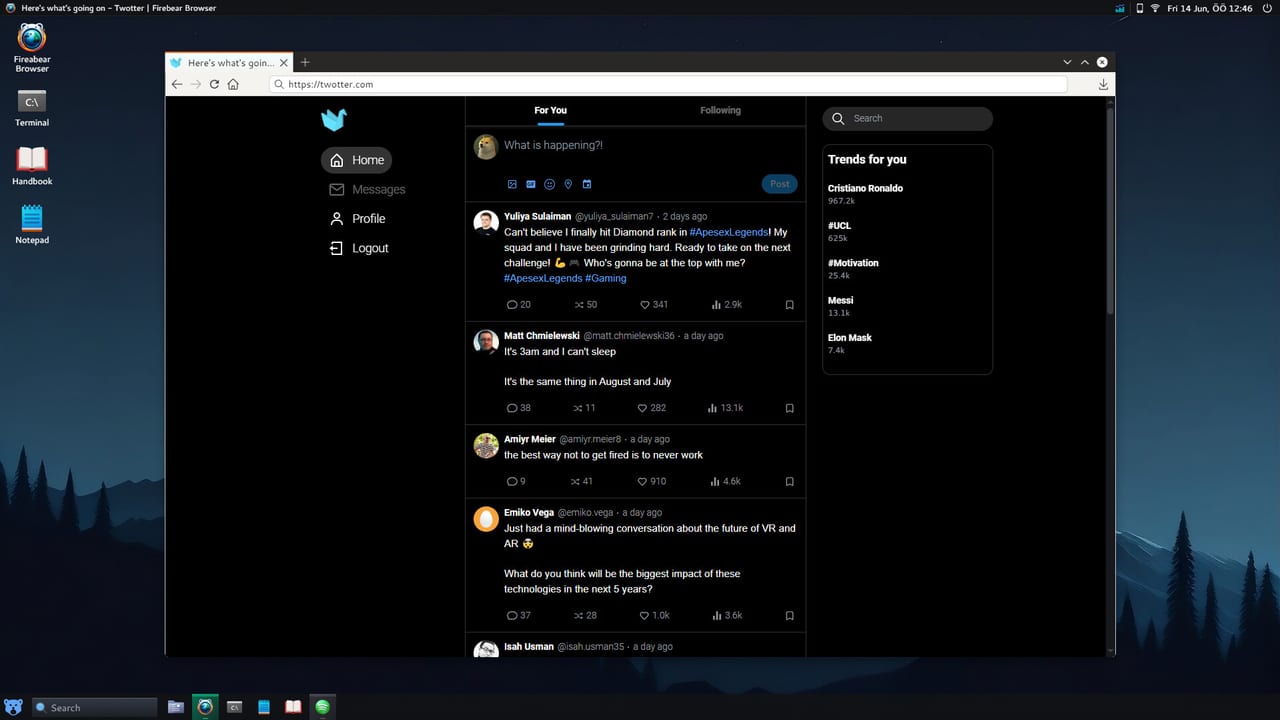
The Journalist’s Sister is the core narrative of HackHub Ultimate Hacker Simulator — a multi-chapter investigation where you help a journalist trace a missing person through corporate networks, hotel infrastructure, and personal devices. HotBunny randomizes hosts, domains, and credentials every save, so this walkthrough teaches checkpoints and command flow instead of fixed answers. Follow it alongside Getting Started if you are new to nmap and Metasploit.
Before you begin
- Manual save before each major exploit branch — especially macro payloads, router edits, and the final ending choice where branches diverge; keep a rollback slot if you want both outcomes or achievement routes.
- Keep a desktop text file listing your IPs as you discover them via
whoisand scans. - Read mail fully — subject lines hint which employee to phish or which subnet matters.
- If
nmap <ip> -sVshows no open ports, expect a social-engineering or router step next, not a different exploit module. - When the journal shows ?, press the in-game hint if available and reread mail — the
?state means a trigger is missing, not broken RNG. See Troubleshooting for full recovery steps.
Act structure overview
Early chapters introduce a domain tied to a hospitality or corporate target. Mid-game pivots to personal machines (for example Carl’s office PC) requiring macro payloads and NAT traversal. Late chapters combine phishing, forwarded ports, and file exfiltration under evidence constraints — deleting or overwriting wrong artifacts can fail objectives silently until you restore a save.
Chapter pattern: from domain to shell
Most chapters repeat this skeleton with different names:
- Mail briefing — note company domain, contact name, or hotel brand.
- Recon —
whois <mission-domain>→ server field IP. - Scan —
nmap <server-ip> -sV. - Exploit —
msfconsole,search <service-from-scan>, configure RHOST, RPORT, Version from current output. - Loot — download logs, Database.txt equivalents, or mail proof.
- Reply — respond to the journalist thread with requested confirmation.
When topology maps show multiple hosts, identify the story target by role label (Reception, Carl-Office, etc.) rather than guessing the lowest IP.
Hotel and reception segments
Hospitality chapters often require text-browser recon first:
lynx <hotel-name-from-brief>
nslookup <domain-from-result>
nmap <resolved-ip> -sV
Select the host mapped to reception or front desk in the network diagram. Scan its public endpoint, not an internal RFC1918 address you cannot route to yet. Match Metasploit modules to the service and version string from that scan only.
After exploit, verify session type (shell vs meterpreter) before running post commands. Grab evidence files named in mail — generic directory browsing risks triggering wrong flags.
Carl’s PC and document macros
Mid-story office targets frequently need a malicious document module with reverse TCP. Before generating a payload:
msfconsole
search office document macro
use <module-from-search>
show options
Set LHOST to an address your in-game router can forward to — usually your machine on the LAN segment shown in the topology map, not an arbitrary public IP. Generate the file, deliver via story-directed mail or drop path, then prepare the listener side.
If the exploit connects then dies, revisit Port Forwarding before swapping modules.
Phishing and online status gates
Several chapters block scans until an NPC appears online. Send the phishing template specified in mail — often using the target’s full legal name in the subject. Wait for the reply indicating they opened the bait. Only then rerun nmap -sV on the same server IP; ports may flip from closed to open or show new forwarded services.
If status stays closed, confirm you mailed the correct person from the active thread, not a side contract NPC.
Router work with Fern
When mail mentions Carl’s private host or a home router, open Fern, authenticate against the router model shown in your save, and create forwarding rules from the WAN port Metasploit expects to the private IP labeled in the diagram. Save configuration, then scan Carl’s public endpoint again.
Compare before/after nmap output. If the service is still closed:
- Forward destination must be Carl’s private IP, not your player PC.
- Rule must be enabled after save.
- Forwarded port must match the service version you target in Metasploit.
Only proceed when the second scan proves the port open.
Metasploit discipline
Journalist chapters punish sloppy set commands. Always run show options immediately before exploit. Confirm:
- RHOST — current chapter target, not previous hotel IP.
- RPORT — open port from latest scan.
- Version — exact banner from
nmap -sV, not module default placeholder.
Search indexes shift between patches — pick modules by service match, not memorized slot numbers from videos.
Wi-Fi detours
Some recon steps assume neighbor network access. If mail references capturing traffic from a café or apartment SSID, switch to Wi-Fi and Hashcat for handshake capture and cracking, then return with the recovered PSK to continue LAN scans.
Evidence chain and objective tracking
Story progress follows an evidence chain — each mail thread expects specific files, screenshots, or replies before the next chapter unlocks. Treat the chain as a checklist:
- Download or copy every file name mail quotes verbatim.
- Reply to the journalist with requested keywords only after proof sits in inventory.
- Do not delete shared drives or logs other chapters reference.
- If the objective flips to ?, verify the previous link in the chain — missing attachments are the usual culprit.
HotBunny fixed several Part progression softlocks during Early Access and again at version 1.0 (August 1, 2026). If you stalled on an older build, update Steam and replay from the last manual save rather than assuming permanent corruption. Patch notes align with Full Release 1.0 Journalist polish entries.
Evidence-safe routing
Save-safe means:
- Do not delete shared drives referenced in future mail.
- Screenshot or archive required filenames exactly as stated.
- Avoid optional destructive actions on unrelated hosts in the same subnet.
If a chapter completes without a journalist reply, check inventory for missing proof files before replaying exploits.
Ending choice and finale saves
The closing chapter presents a branching ending choice with no free undo after commit. Before selecting an option:
- Manual save to a dedicated slot labeled for endings.
- Confirm the evidence chain is complete — missing proof can lock epilogue mail on some branches.
- Consider Achievements that track stealth or log-editing routes (e.g. Digital Ghost via
sys.login File Explorer) on a separate save if you want multiple outcomes.
Reload the pre-choice save to experience alternate fiction; Multiplayer progress never affects story endings.
Late-game density
Final chapters stack phishing, forwarding, and multi-host pivots. Use How to Play contract breaks to fund larger wordlists if hydra gates appear. Multiplayer does not co-op the story — stay solo for continuity.
When to escalate tools
hydra— SSH or FTP logins when you have service but not module fit.sqlmap— web apps on HTTP ports discovered late; see sqlmap guide for table dumps that feed the evidence chain.john— hashes looted from files instead of live login.
Syntax reminders live under Tools Commands. Workshop Scripts may automate note-taking but should not hard-code IPs. When stuck on UI or ? objectives, switch to Troubleshooting before replaying entire acts.
After the finale
Completing the arc unlocks epilogue mail and bragging rights on the desktop. Continue sandbox contracts, HackTheCube challenge floors, PvP in Multiplayer, or restart for a fresh randomized topology. For purchase context, see Review.
Frequently Asked Questions
Quick answers to common HackHub questions.
Why does my Journalist chapter show no open ports?
You likely need phishing mail first, router forwarding, or Wi-Fi access. Rescan only after the story trigger — NPC online, Fern rule saved, or handshake cracked.
Can I use walkthrough IPs from YouTube?
No. Domains and server IPs randomize per save. Use whois and nmap on your mission domain every time.
What is the save-safe evidence route?
Follow mail instructions literally, archive required files, avoid deleting unrelated shared data, and save before major exploit branches.
Metasploit keeps failing on the correct module — why?
Run show options. RHOST, RPORT, or Version often still point to an old host or default placeholder.
Do I need port forwarding for every chapter?
Only when the story introduces Carl's home router or reverse-shell payloads that must reach your listener through NAT.
What does the objective question mark mean?
A missing story trigger — incomplete evidence chain, unsent mail, or a scan before an NPC comes online. Reread mail and check attachments before reloading saves.
Were Part progression softlocks fixed in 1.0?
Yes. HotBunny patched several Journalist's Sister blockers at full release. Update Steam and replay from your last manual save if stuck on an Early Access build.
Should I save before the ending choice?
Yes. Create a dedicated manual save slot before the finale branch — there is no free undo after committing to an ending.
Is The Journalist's Sister in the Steam demo?
The demo covers early tutorials; the full arc requires the paid 1.0 release on Windows or macOS.